
Uncategorized
Mesh Wi-Fi vs Range Extender: Which Fixes Your Dead Zones?
30
Sep
Sep
Brick walls, double-storey homes and long passages are tough on Wi-Fi. There are two popular fixes – range extenders and mesh systems – and the right one depends on your home.
Range extenders: the quick, budget fix
An extender picks up your router’s signal and repeats it further. It’s affordable and plugs straight into a wall socket.
- Good for: one problem room close-ish to the router, small flats, light browsing.
- Downsides: it creates a second network name in many cases, and speed often drops because the extender has to receive and re-send the same data.
- Tip: place it halfway between the router and the dead zone – not in the dead zone itself.
Mesh Wi-Fi: whole-home coverage
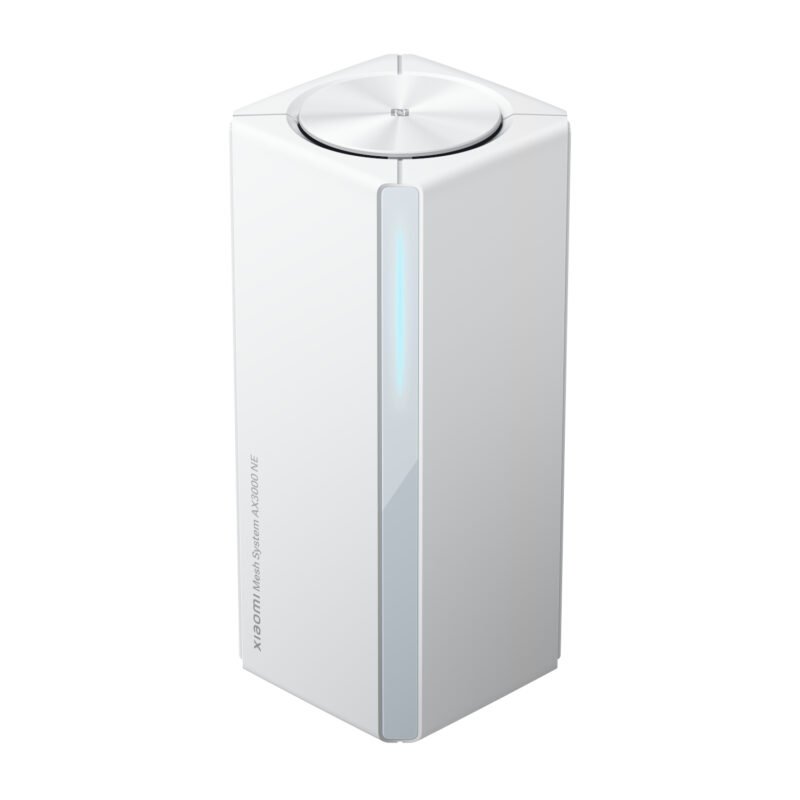
A mesh system uses two or three units that work together as one network. Your phone moves between them automatically as you walk through the house.
- Good for: larger or double-storey homes, lots of connected devices, streaming and video calls in several rooms.
- Benefits: one network name, better speeds across the house, easy app setup.
- Tip: choose the number of nodes using the model’s coverage guidance and your home’s layout. Wall materials, floors and node placement affect coverage; bedroom count alone is not a reliable sizing rule.
What about Wi-Fi 6?
Wi-Fi 6 (802.11ax) handles many devices at once much better than older Wi-Fi 5. If your household has phones, TVs, laptops and smart devices all online together, it’s worth choosing a Wi-Fi 6 mesh system.
Quick guide
- One weak room, tight budget → range extender
- Whole house patchy, many users → mesh Wi-Fi
- Need a wired connection far from the router → powerline adapter or mesh unit with Ethernet port
Browse our networking range or WhatsApp us your home layout and we’ll suggest a setup.

