
Uncategorized
How to Choose a UPS or Power Station for Load-Shedding
Sep
When the lights go out, most South African households want three things to keep working: the Wi-Fi, a laptop or two, and the TV. Choosing the right backup comes down to two numbers on the box, and a little maths.
1. Understand the two numbers: Wh and W
- Watt-hours (Wh) is how much energy the battery stores – think of it as the size of the fuel tank.
- Watts (W) is how much power it can deliver at once – the size of the engine. Everything you plug in at the same time must add up to less than this.
2. Add up what you want to run
Check the label or charger of each device. Typical figures:
- Wi-Fi router + fibre box (ONT): 15–25 W
- Laptop: 45–90 W
- LED TV (43–55″): 60–120 W
- Decoder: 15–25 W
- LED lights: 5–10 W each
Add them up, then multiply by how many hours you need. For example, a router (20 W) + laptop (60 W) + TV (90 W) = 170 W. For a 4-hour outage you need about 170 × 4 = 680 Wh. If you assume 80% usable energy after losses, divide 680 Wh by 0.8: the estimate becomes 850 Wh. This is a planning example, not a runtime guarantee. Actual runtime depends on the connected load, inverter efficiency, battery condition and the power station’s own consumption.
3. Pick the right type
- Mini DC UPS (router UPS): the cheapest way to keep your Wi-Fi alive. Plugs in between the router’s power adapter and the router. Ideal if internet is all you need.
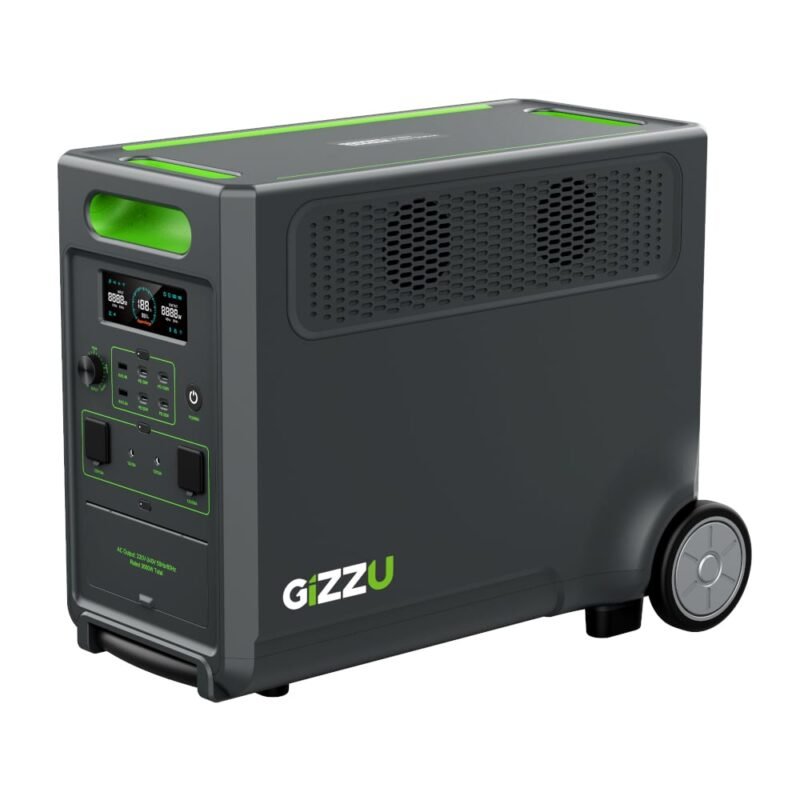
- Portable power station: a battery with built-in inverter, AC plugs and USB ports. Great for flats and rentals because there’s no installation. Look for LiFePO4 batteries for a longer lifespan.
- Inverter + battery system: for running a whole home or a fridge for long periods. Usually needs an electrician.
4. Features worth paying for
- UPS / switchover mode: keeps devices on without rebooting when power cuts.
- Pure sine wave output: safer for TVs, laptops and anything with a motor.
- Fast recharge: important when load-shedding comes in back-to-back slots.
- Solar input: lets you top up with a foldable panel.
Need help choosing?
Send us a list of what you want to run on WhatsApp and we’ll recommend the right size – or browse our power range.

